
 GriffNode
Why did Shopify pause my payouts?
Almost always for one of two reasons: Shopify needs information it does not have yet, or its risk team thinks your balance needs protecting against future refunds and chargebacks. The first kind is usually fixed in a day. The second kind can last weeks or months, which is why it matters to know which one you have.
The specific triggers we see most:
- Verification. Missing or rejected identity documents, business details or bank account information. Shopify Payments is run with regulated payment partners, and they are required to know who they pay.
- Chargebacks and refunds. A rising dispute or refund rate makes the account look risky.
- Unusual sales. A sudden spike, very large orders, or preorders shipping far in the future.
- Restricted products. Selling something on the Shopify Payments prohibited or restricted list, sometimes without realising it.
- Mismatched details. The business name, bank account holder and store details do not line up.
Where to find the real reason
Go to Settings, then Payments in your Shopify admin, and check the Shopify Payments section and your payouts page. If information is missing, there will be a banner telling you what. Also check the email address on the store owner account, including spam: requests for documents often arrive only by email.
If there is no clear request and payouts are simply paused or a reserve appears, it is a risk decision. Contact Shopify support from inside the admin and ask two specific questions in writing: what triggered the pause, and what would release it.
What to send Shopify
Send everything they ask for in one complete reply. Depending on the case that can include:
- ID and business registration documents that match the account details exactly.
- Bank statements showing the payout account is in the business or owner's name.
- Supplier invoices proving you can actually fulfil the orders.
- Tracking numbers and proof of delivery for recent orders, especially large ones.
- Your refund and shipping policies, clearly published on the store.
How long can Shopify hold my money?
A verification pause usually ends soon after you submit the right documents. A risk reserve is different: Shopify's terms allow it to hold part or all of your balance as security for future chargebacks and refunds, and those reserves can run for months. There is no guaranteed timeline, so plan as if it will be long and be pleasantly surprised if it is not.
How to keep selling while payouts are paused
This is the part most merchants get wrong. They wait, and their cash flow dies while they do. Some practical steps:
- Keep fulfilling orders on time and keep proof of delivery. Late shipping during a review creates exactly the disputes that extend it.
- Respond to every dispute with evidence. Every lost chargeback makes the account look worse.
- Add a second way to get paid. Shopify lets you offer additional payment methods through third party providers. Shopify charges an extra transaction fee on third party gateways, roughly 0.5 to 2% depending on your plan, but that is cheap compared with no revenue at all.
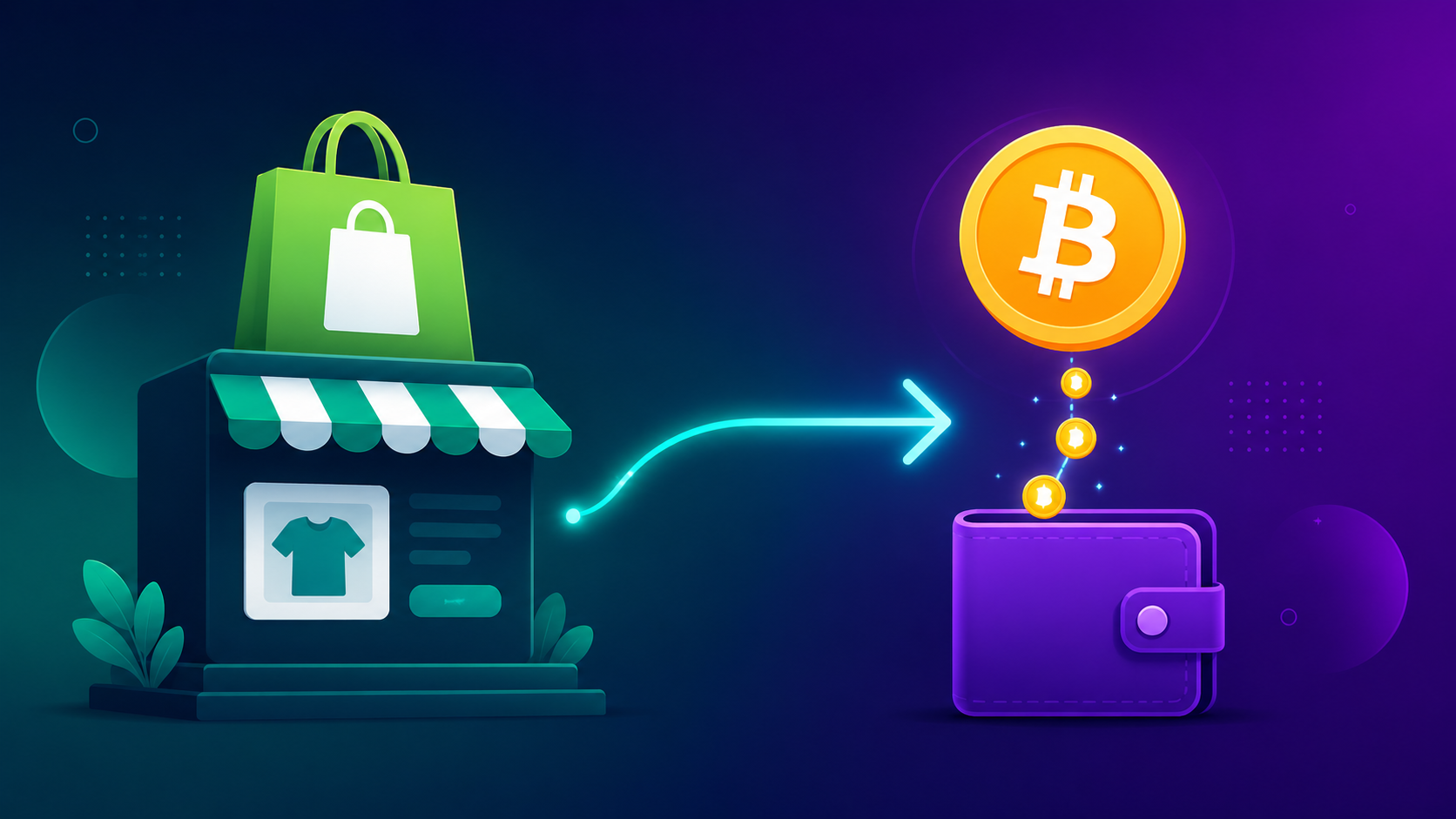
A non-custodial crypto gateway is one of the fastest second rails to add, because there is no underwriting and no balance for anyone to hold. With GriffNode, customer payments go straight to your own wallet, and the order is marked as paid in Shopify once the payment confirms. Our Shopify crypto payments guide walks through the setup, and for a one off order you can send a payment link in minutes.
What if Shopify closes the Shopify Payments account completely?
If Shopify Payments is terminated, your store can usually still run with third party payment providers, and remaining funds are paid out after the reserve period ends. If the store itself is closed for a policy reason, that is a bigger decision about platforms, and it is worth keeping an up to date export of your products and customers for exactly that day.
How to avoid the next pause
- Complete verification fully and keep it current.
- Warn Shopify support before a big launch or sale if you expect a spike.
- Keep refunds and chargebacks low: clear descriptions, honest delivery times, fast support.
- Never rely on one payment provider for all of your revenue.
The last point is the one that actually protects you. A pause on one rail is an inconvenience when you have two. When you have one, it is a crisis. See how the same thing plays out with Stripe and PayPal, and why a non-custodial processor cannot freeze what it never holds.
Frequently Asked Questions
Why did Shopify Payments pause my payouts?
Usually because verification details are missing or rejected, or because Shopify's risk team sees a reason to protect the balance, such as rising chargebacks or refunds, a sudden sales spike, large orders, restricted products, or business and bank details that do not match.
How long does a Shopify payout hold last?
A verification pause usually ends soon after you submit the requested documents. A risk reserve can last for months, because Shopify's terms allow it to hold funds as security for future chargebacks and refunds, and there is no guaranteed timeline.
Can I still sell on Shopify while payouts are paused?
Yes. Keep fulfilling orders with proof of delivery, answer every dispute, and add another payment method through a third party provider so new revenue does not depend on the paused account.
Can I accept crypto on Shopify if Shopify Payments is suspended?
Yes. Shopify lets you use third party payment providers, and a non-custodial crypto gateway sends each payment straight to your own wallet with no underwriting. Shopify charges its extra third party transaction fee on these payments, depending on your plan.