
 GriffNode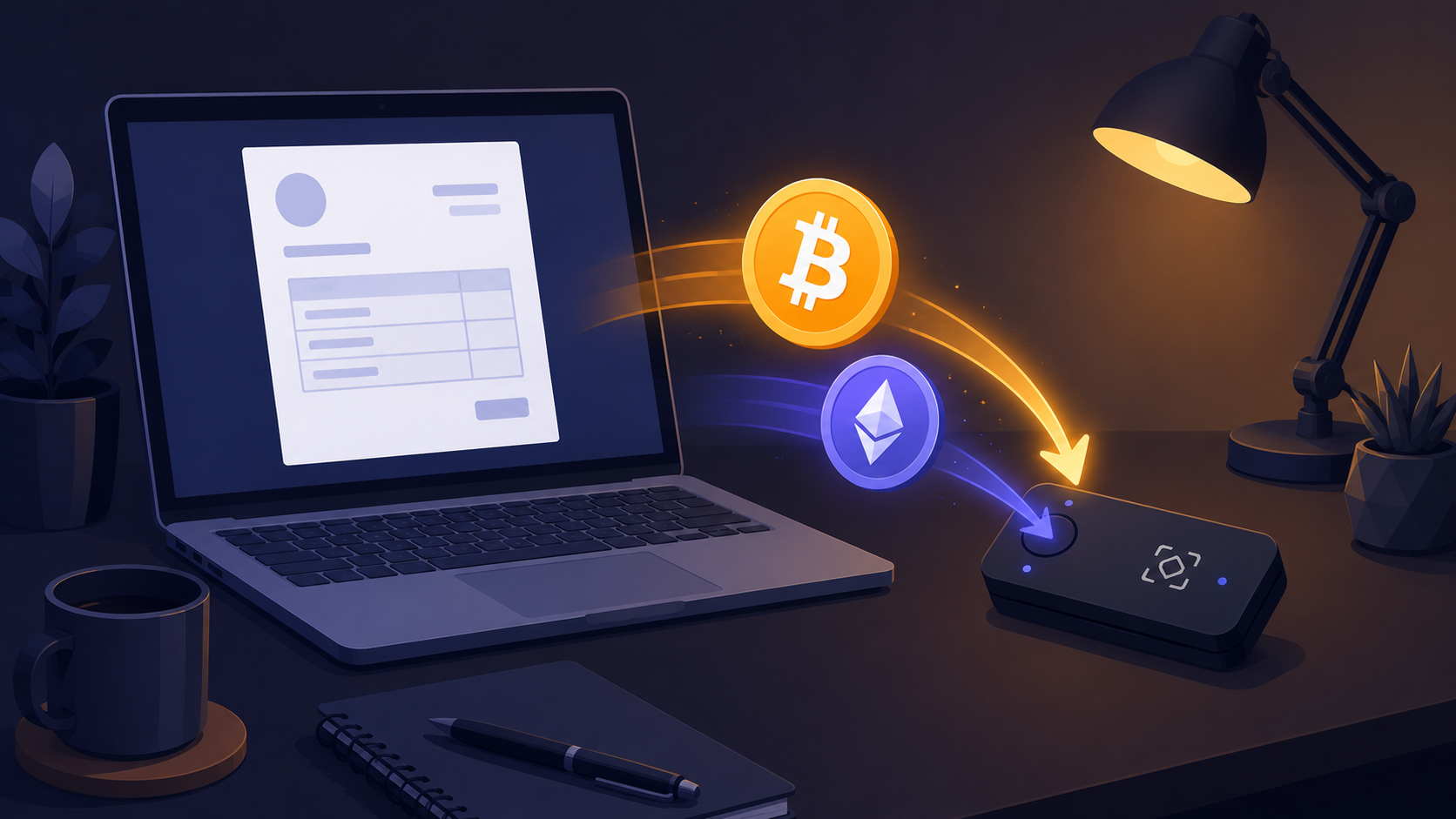
How Do Freelancers Get Paid in Crypto Without a Bank or KYC?
Freelancers get paid in crypto without a bank or KYC by setting up their own HD wallet, connecting its xPub key to a non-custodial gateway, and sending clients a payment link per invoice. Because the funds go straight from your client's wallet to yours and no company ever holds them, there is no bank account, no identity verification, and no PayPal-style freeze in the loop. You can be accepting Bitcoin from clients today with nothing but an email address.
The Payment Problem Freelancers Know Too Well
If you freelance internationally, you have probably experienced at least one of these:
- PayPal holding your funds for 21 days with no explanation
- Stripe refusing to onboard you due to your country or business type
- A client disputing a payment after you delivered the work
- Losing $40–60 per international wire transfer to bank fees and conversion spreads
- Waiting 3–5 business days for a payment to clear
Crypto eliminates every one of these. A Bitcoin payment from a client in Tokyo arrives in your wallet in 10 minutes, costs the client a small network fee, cannot be reversed after confirmation, and requires no bank intermediary. If PayPal has already put your funds on hold, this is the rail that can't.
Do You Need KYC to Accept Crypto as a Freelancer?
This depends on which tool you use. Most payment processors hold your funds and are regulated as money services businesses — meaning they legally must verify your identity. GriffNode works differently.
GriffNode is non-custodial: payments go directly from your client's wallet to yours. GriffNode never holds your money, so there is no regulatory requirement for identity verification. You sign up with just an email, connect your wallet, and start accepting payments — no passport, no proof of address, no business registration required.
Step 1: Set Up Your Wallet
You need an HD (hierarchical deterministic) wallet that gives you an xPub key — a master public key that lets GriffNode generate unique addresses per invoice without accessing your funds. (New to this? See how one seed phrase controls thousands of addresses.)
Recommended wallets for freelancers:
| Type | Examples | Best for | xPub export |
|---|---|---|---|
| Hardware (most secure) | Ledger Nano, Trezor Model T | Regular significant payments | Via companion app |
| Desktop | Electrum (Bitcoin) | Reliable free option | Wallet → Information |
| Mobile | BlueWallet (Bitcoin) | Getting started quickly | Wallet settings → export |
For meaningful income, a hardware wallet is worth it — the private key never leaves the device. Before you write down your seed phrase, read the 7 wallet-security mistakes that lead to lost funds.
Avoid custodial exchange accounts (Binance, Coinbase) as your receiving wallet. Exchange accounts can be frozen, do not give you a private key, and are incompatible with GriffNode's non-custodial model.
Step 2: Create Your GriffNode Account
Sign up at griffnode.com (a free plan is available). Enter your xPub when prompted and select which cryptocurrencies you want to accept. Generating API keys is optional — for freelancers, the dashboard's built-in payment link generator is usually enough.
Step 3: Create a Payment Link Per Invoice
For each client invoice, create a transaction in your GriffNode dashboard (or via the API) by specifying the USD amount and preferred coin. GriffNode generates a unique payment address and a hosted payment page URL you can send directly to your client:
POST https://api.griffnode.com/v1/transactions
{
  "amount": "1500.00",
  "currency": "USD",
  "crypto": "BTC",
  "metadata": { "client": "Acme Corp", "invoice": "INV-2026-042" }
}
The response includes a payment_url — paste this into your invoice email. The client clicks, sees the exact BTC amount and a QR code, and pays from their wallet app.
Step 4: Add to Your Invoice Template
Update your standard invoice to include a "Pay with Crypto" section:
- The GriffNode payment page link (generated per invoice)
- Which coins you accept (BTC, ETH, LTC, DOGE, DASH, plus USDT and USDC)
- Payment window (typically 30–60 minutes from link generation)
Some clients will prefer crypto because it keeps their payment private. Others will use it to avoid international transfer fees. Either way, offering the option costs you nothing beyond your flat monthly plan.
Which Coin Should Freelancers Accept?
| Coin | Client Familiarity | Network Fee | Confirmation Time |
|---|---|---|---|
| Bitcoin (BTC) | Very high | $1–8 | 10–60 min |
| Ethereum (ETH) | High | $1–20 | 15 sec – 5 min |
| Litecoin (LTC) | Medium | ~$0.01 | 2–10 min |
| USDT / USDC (stablecoin) | Growing | Network-dependent | Minutes |
For invoices over $500, Bitcoin is the safest choice — most clients hold it and it is the most recognisable. For smaller or recurring payments, Litecoin's near-zero fees make more sense for both parties. If a client is nervous about price swings, a stablecoin like USDC keeps the invoiced dollar value steady.
The Irreversibility Advantage (No Chargebacks)
The single biggest financial benefit of crypto for freelancers: no chargebacks. A client cannot call their bank after you deliver a logo, write a report, or ship code and reverse the payment. Once a crypto transaction confirms on-chain, it is final — permanently. This eliminates one of the most stressful recurring risks of freelance work.
What About Taxes on Crypto Income?
Crypto received for services is taxable income in most jurisdictions — treated the same as a bank transfer. The value in your local currency at the time of receipt is your income. If you later sell the crypto at a higher price, that gain is a separate capital event.
Practical advice: note the local-currency value of each payment at the time you receive it. Your GriffNode dashboard provides a full transaction history. Keep a spreadsheet or use crypto accounting software like Koinly or CoinTracker to track your basis. None of this is legal or tax advice — confirm the rules for your country.
Getting Your First Crypto Payment
Set up your wallet, create your free GriffNode account, generate a payment link for your next invoice, and add a short note: "I now accept Bitcoin and Ethereum payments — ask me for a payment link." Most freelancers are surprised by how many clients immediately prefer it. Create a free account and send your next invoice in crypto.
Frequently Asked Questions
Can freelancers get paid in crypto without a bank account?
Yes. Payments land directly in a wallet you control, with no bank in the loop. You only need an HD wallet and an email address to start — no bank account is involved at any stage.
Do I need to pass KYC to accept crypto as a freelancer?
Not with a non-custodial gateway like GriffNode. Because no company holds your funds, there is no money-services requirement to verify your identity. You sign up with just an email and connect your wallet.
How do I send a client a crypto payment request?
Create a transaction in your dashboard or via the API with the amount and coin, and GriffNode returns a hosted payment link. Paste it into your invoice; the client clicks, scans a QR code, and pays from their wallet.
Can a client reverse a crypto payment after I deliver the work?
No. Once a transaction confirms on-chain it is final, so there are no chargebacks. This removes one of the biggest risks freelancers face with cards and PayPal.
Which cryptocurrency should I ask clients to pay with?
Bitcoin for larger or one-off invoices because it is the most recognised, Litecoin for small or frequent payments because fees are near zero, and a stablecoin like USDC when a client wants the dollar value to stay fixed.
Is crypto income taxable?
In most jurisdictions yes — it is treated as ordinary income at its value when received, and any later price gain is a separate capital event. Record the value at receipt and confirm your local rules.